Lisa Buck
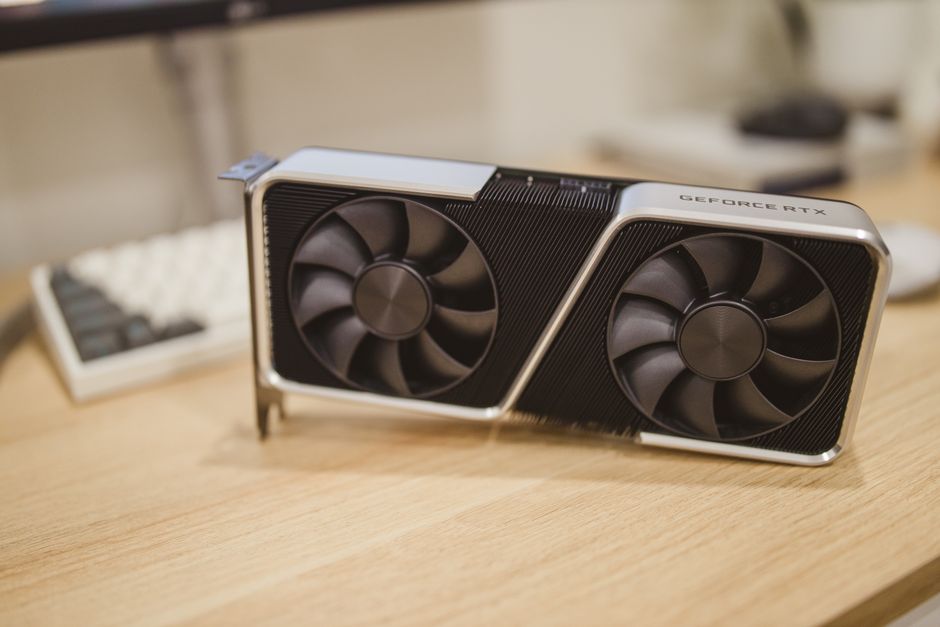
A power supply that fits your build needs more than a large wattage number. Start with the graphics card maker’s system recommendation, then account for the actual processor, graphics card and accessories you plan to use. A recommendation is a starting point for a whole system, not the amount the card draws by itself.
Make a connector list
Check the motherboard manual for its main and CPU power plugs, the graphics card documentation for its required power leads, and the case accessories for SATA power. Look at the supplied cable list, not just the outlets on the PSU. Never move modular cables between units unless the manufacturer confirms the exact cable and unit combination is compatible.
Measure usable space
Confirm whether the case takes ATX or SFX and check the maximum supported length with the drive cage installed. Leave room for plugs and cable bends. If the graphics card uses a compact high-power connector, follow the manufacturer’s clearance and routing instructions and make sure the connector is fully seated before closing the side panel.
Use efficiency as one data point
An efficiency rating does not by itself tell you about electrical protections, noise, or how the unit responds to changing load. Read independent testing for the exact model and wattage. Pick a unit that supports the build you are actually assembling rather than paying for unused capacity at the expense of cable fit or build quality.

 Lisa Buck