Lisa Buck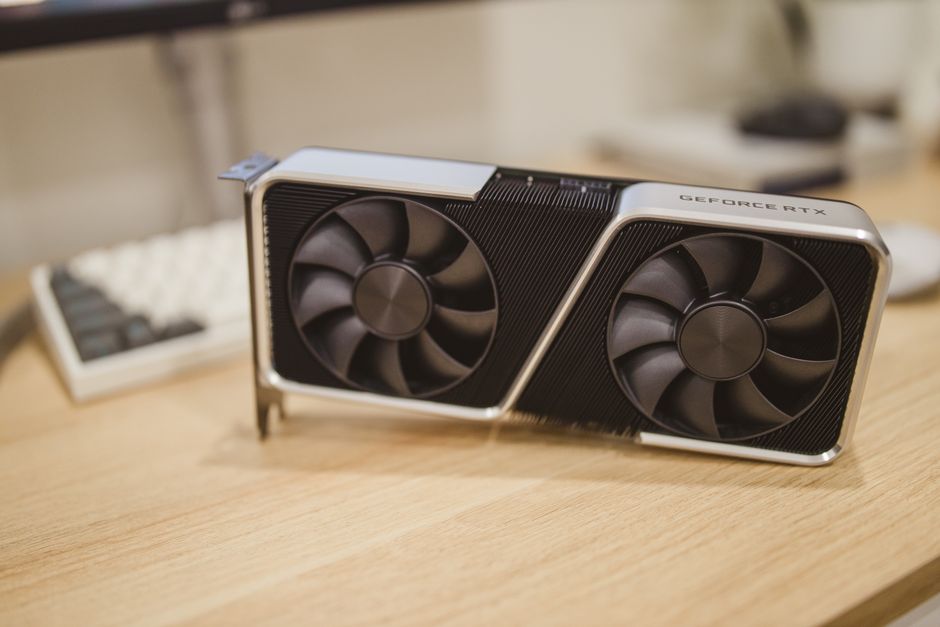
The awkward number in mid-range PC building is 250W: that is the total graphics power of NVIDIA’s $549 GeForce RTX 5070. A sensible upgrade can transform a system, but a fashionable part can also consume most of a $600 budget while leaving the real bottleneck untouched. The right purchase starts with diagnosis, not a product list.
Where a $600 upgrade actually moves performance
For most desktop owners, the graphics card produces the biggest gaming gain. A CPU upgrade matters more when the graphics card already stays below roughly 90% usage, frame rates are uneven, or simulation and strategy games feel slow. Memory and storage improve responsiveness, but they rarely create the same frame-rate jump.
| Upgrade target | Useful 2026 reference | Typical cost | Best reason to buy |
|---|---|---|---|
| Graphics card | NVIDIA GeForce RTX 5070, 12GB GDDR7, 250W | $549 MSRP | 1440p gaming and ray tracing |
| Graphics card alternative | AMD Radeon RX 9070, 16GB GDDR6, 220W | $549 SEP | More VRAM and strong raster performance |
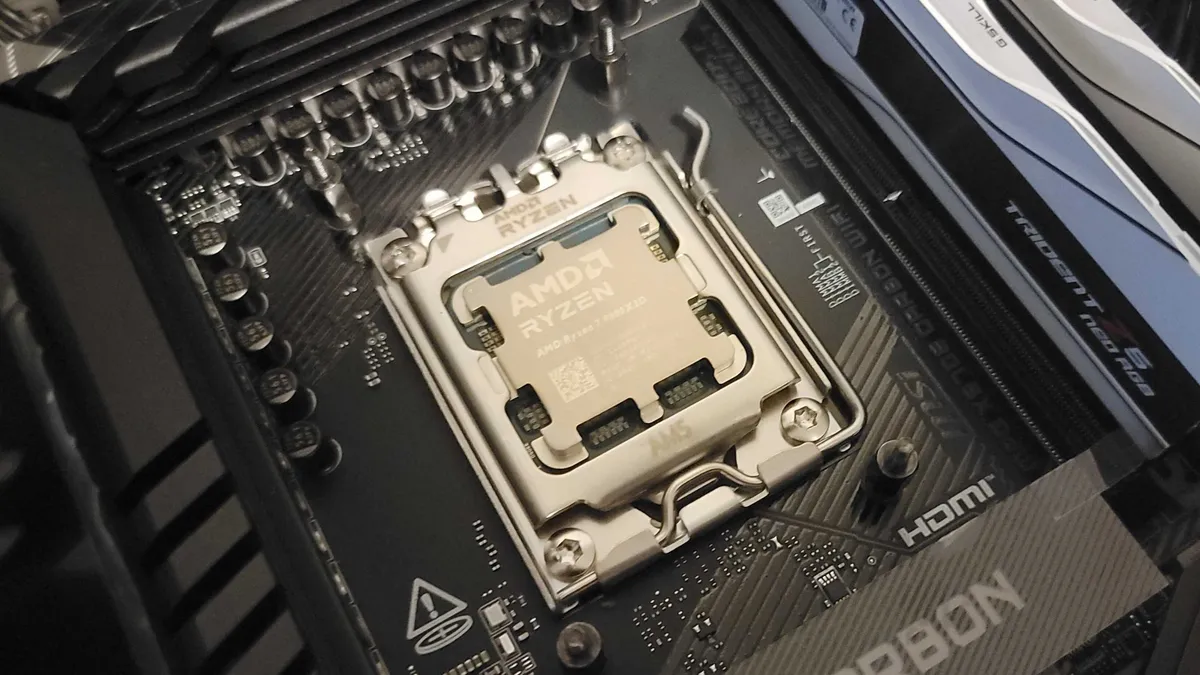
| CPU | AMD Ryzen 7 9700X, 8 cores, 16 threads, 65W | $339 direct price | High-refresh gaming and mixed workloads |
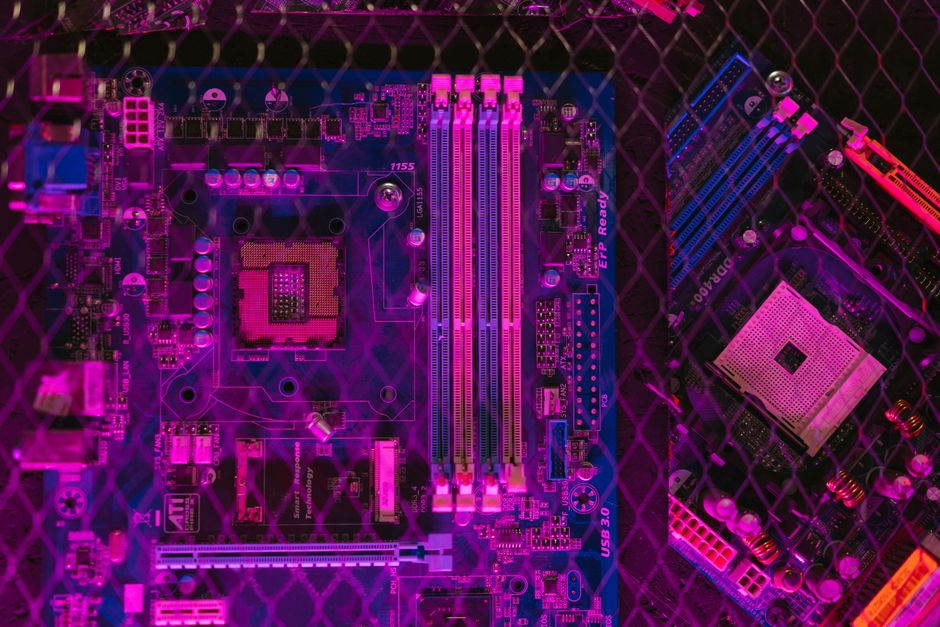
| Motherboard platform | MSI B850 Gaming Plus WiFi, AM5, DDR5, Wi-Fi 6E | $169.99 sale price | Replacing an old AM4 or DDR4 platform |
| Memory | 32GB DDR5-6000, 2 x 16GB | About $270-$570 | Heavy multitasking and modern games |
Prices were checked against manufacturer pages and current listings, including NVIDIA’s RTX 5070 specifications and AMD’s RX 9070 specifications. Retail prices move quickly, so treat the figures as decision points, not permanent quotes.
Bottom Line: Spend the first $500-$600 on the GPU if gaming is the goal. Spend it on CPU, motherboard, and memory only when testing shows the current platform is holding the system back.
Why the best upgrade fixes a bottleneck, not a feeling
The one-line verdict is simple: a component upgrade pays off only when it removes the slowest link in the work being done, because a faster part sitting behind a different limit produces little visible change, and the same $600 can buy a dramatic improvement in one computer but almost nothing in another.
Games limited by the graphics processor need more shader performance, memory bandwidth, or VRAM; games limited by the processor need faster game-thread work, cache, or lower latency; a system that pauses while opening applications needs storage or memory headroom instead.
That is why a benchmark average cannot decide the purchase on its own: 1440p ultra settings may expose the GPU, while a 1080p esports monitor at 240Hz may expose the CPU, and a laptop with soldered memory may leave an SSD as the only practical internal upgrade.
Before ordering anything, record GPU usage, CPU usage by core, RAM use, storage free space, temperatures, and frame-time consistency during the task that annoys you; the part that stays pinned near its limit while the others have room is usually the first place to spend, and a cheap fix such as lowering background programs can beat an expensive part that solves the wrong problem.
Five mistakes that make a PC upgrade waste money
The safest upgrade process is boring, measured, and usually cheaper than replacing parts twice.
- Buying for a badge. A higher model number does not guarantee a visible gain. Compare the workload, resolution, frame-time graph, and power draw before comparing marketing tiers.
- Ignoring compatibility. Check the CPU socket, BIOS version, RAM type, PCIe slot, power connectors, cooler mount, graphics-card length, and case slot width. A technically compatible part can still be a poor physical fit.
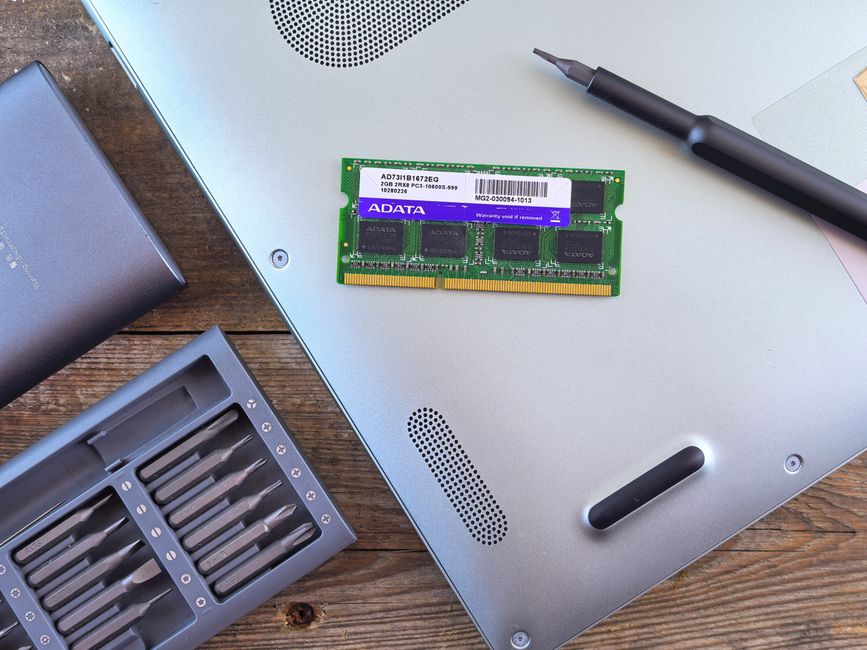
- Adding mismatched memory. Mixing kits with different capacities, timings, or voltages can force lower speeds or create stability problems. A matched two-stick kit is safer than adding one random module to an old pair.
- Spending on speed before capacity. A nearly full SSD, 16GB of heavily used RAM, or a hot laptop can cause pauses that a faster benchmark score will not fix. Capacity and cooling come first.
- Assuming a laptop works like a desktop. Most laptop CPUs and GPUs are not replaceable. Some models allow an M.2 SSD or SODIMM memory change, but the service manual, slot count, thermal limits, and warranty terms decide the real upgrade path.
- Forgetting the power budget. Add the CPU and GPU board-power ratings, then leave room for transient spikes and aging. A cheap power supply is not a saving if it causes shutdowns or has to be replaced immediately.
My strongest avoid-buying rule is this: if you cannot describe the current bottleneck in one sentence backed by a measurement, wait. A weekend of monitoring is cheaper than a return shipping label.
My mid-range picks for different PC owners
My opinion: the Radeon RX 9070 is the best all-around graphics upgrade for a $600 gaming budget in 2026. Its 16GB memory buffer and 220W board power give it a more comfortable long-term shape than a 12GB card, while its $549 SEP leaves only a small gap to the budget ceiling. I would choose the RTX 5070 instead for a buyer who specifically wants DLSS, stronger ray-tracing behavior, or CUDA-based creative software.
Best platform rebuild
For an older AM4 or DDR4 desktop, the AMD Ryzen 7 9700X with an affordable B850 board is the cleaner restart. The MSI B850 Gaming Plus WiFi supports AM5 Ryzen processors, DDR5, a PCIe 5.0 M.2 slot, 2.5Gb Ethernet, and Wi-Fi 6E. At about $169.99 on the manufacturer’s US store during a sale, it avoids paying premium-board money for features that do not raise frame rates. Add 32GB of DDR5-6000 only when the memory price is sensible; current Corsair Vengeance listings have ranged from roughly $270 on sale to more than $560 direct, which makes waiting a rational choice.
When not to buy the expensive CPU
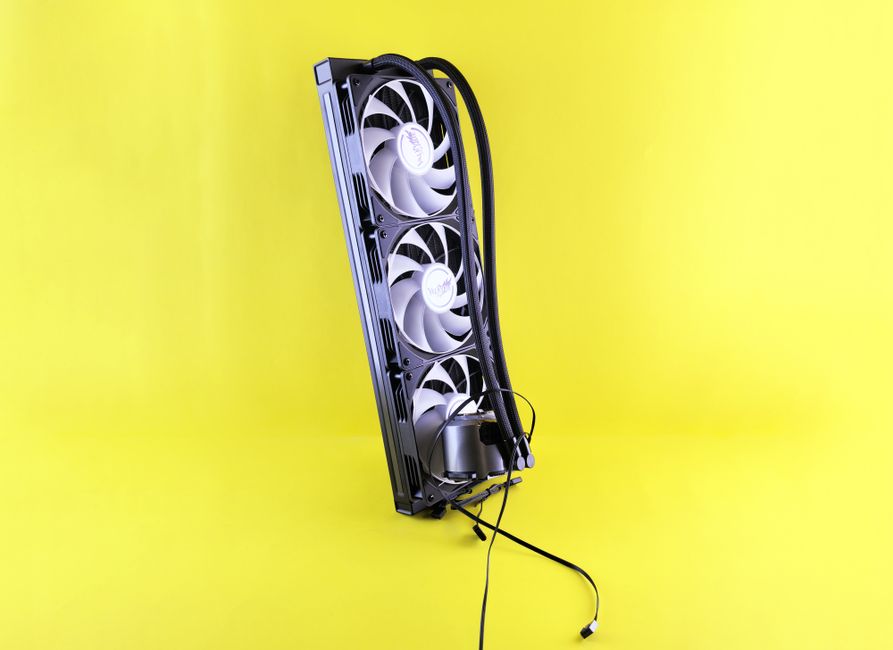
Do not buy the Ryzen 7 9800X3D for a 60Hz monitor, a weak graphics card, or a machine used mainly for web browsing and office work. Its cache and gaming strength are real, but the $479 processor price plus cooler and platform parts can consume the budget that would have produced a larger graphics upgrade.
Bottom Line: The RX 9070 wins the broad recommendation, the RTX 5070 wins for NVIDIA-specific features, and the Ryzen 7 9700X wins a balanced platform rebuild.
Questions that decide the right upgrade
Is 32GB of RAM enough for a gaming PC?
Yes, 32GB is the sensible target for a new mid-range desktop in 2026. It gives games, a browser, chat, and background tools room to run without constant paging. Move to 64GB for video editing, large development projects, virtual machines, or heavy mod packs. Do not pay a large premium for DDR5-7200 if your platform runs DDR5-6000 reliably; capacity and stable timings matter more to most buyers.
Should I buy a new motherboard with a new CPU?
Only if the existing board cannot support the processor after a BIOS update, lacks the memory standard you need, has weak power delivery, or blocks the storage and connectivity features you will use. A motherboard rarely improves performance by itself. Its value comes from compatibility, expansion, networking, firmware support, and stable power.
Is an SSD upgrade worth it for gaming?
It is worth doing when the current drive is nearly full, uses an old hard disk, or causes long loading and installation times. It is not the first choice for higher frame rates. A 2TB PCIe 4.0 NVMe drive is a practical target, but pay for capacity and a decent warranty before chasing sequential speeds that games rarely sustain.
What should laptop owners upgrade first?
Check the service manual before buying. If the laptop has a replaceable M.2 drive, a larger SSD is usually the safest improvement. Replaceable memory can help when the machine swaps to storage, but soldered RAM and cooling limits make a desktop replacement impossible.
How to pay for a $600 upgrade without paying $900
A component is not a bargain when financing turns its price into a second project. A reasonable offer is a genuine 0% APR promotion for six to twelve months with a $0 annual fee and no deferred-interest clause. A normal credit-card purchase can carry roughly 19.99%-29.99% APR, and a store card may add a late fee of $29-$35, a returned-payment fee of about $25-$40, or deferred interest calculated back to the purchase date. Buy-now-pay-later plans often advertise 0% APR for four payments, but late fees, returned-payment fees, and automatic-debit problems vary by provider.
For a $549 graphics card, paying cash or using a true 0% plan that you can clear before the promotional deadline is the only version I would consider sensible. At 29.99% APR, carrying the balance for twelve months can add roughly $90 in interest before taxes or shipping. If the payment would compete with rent, bills, or an emergency reserve, wait for a sale or buy a cheaper part. This is not financial advice. Read the full credit agreement, verify the total repayment amount, and treat the APR as a product cost.
The opening 250W figure now has a practical answer. A mid-range buyer does not need the most impressive box; the buyer needs the part that removes the measured limit, fits the existing system, and can be paid for without turning a $549 upgrade into a much larger obligation. For most gaming desktops, that means the Radeon RX 9070 or GeForce RTX 5070. For an aging platform, it means building around the Ryzen 7 9700X and a sensible B850 board. Spend the $600 where the workload can actually feel it.