Gaming Laptop Cooling Tips That Cut Throttling
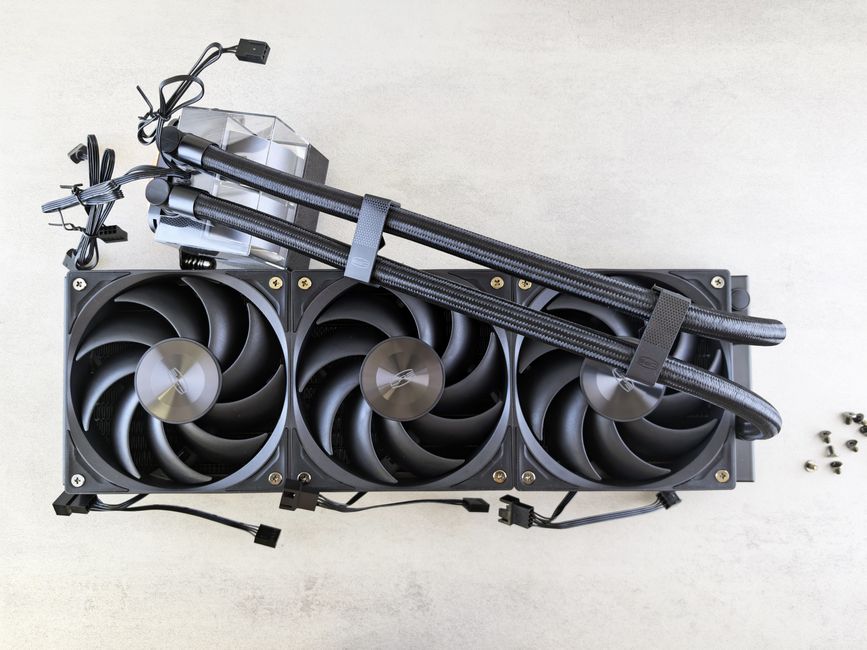
After an hour of gaming, the warning signs are easy to recognize: the fans hit a harsh constant pitch, frame rates drop during fights, and the keyboard deck feels hot…
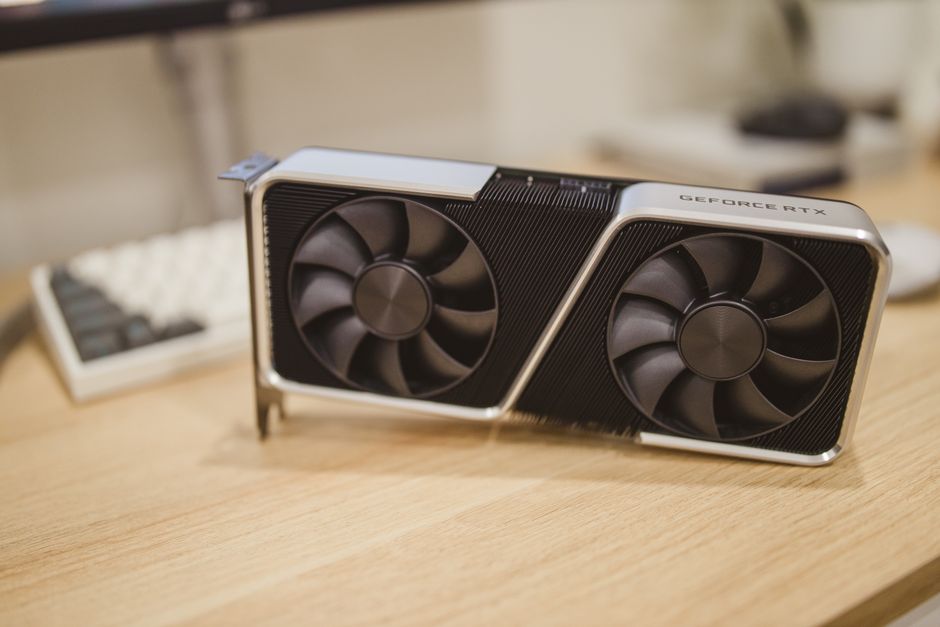
The awkward number in mid-range PC building is 250W: that is the total graphics power of NVIDIA’s $549 GeForce RTX 5070. A sensible upgrade can transform a system, but a…
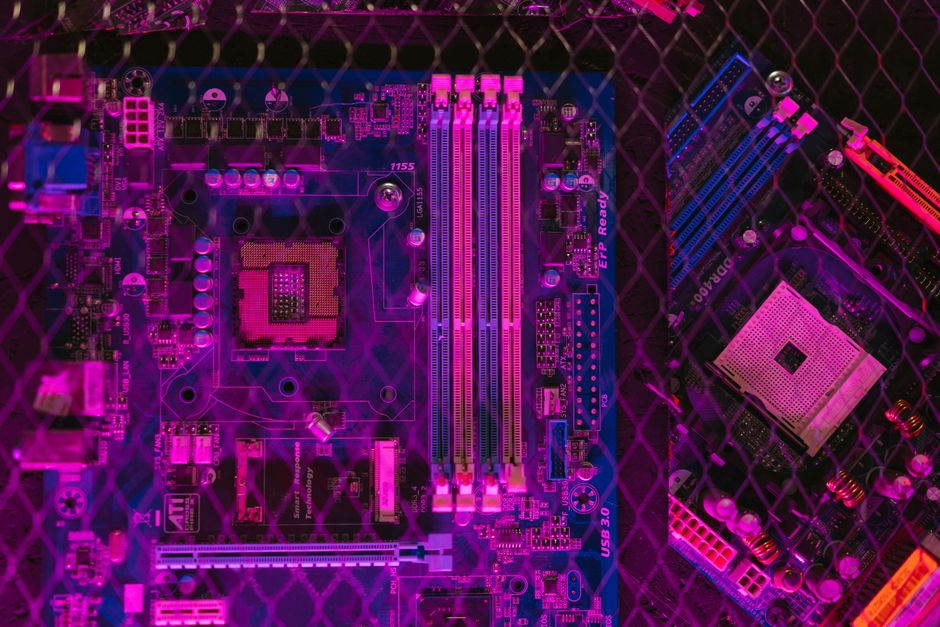
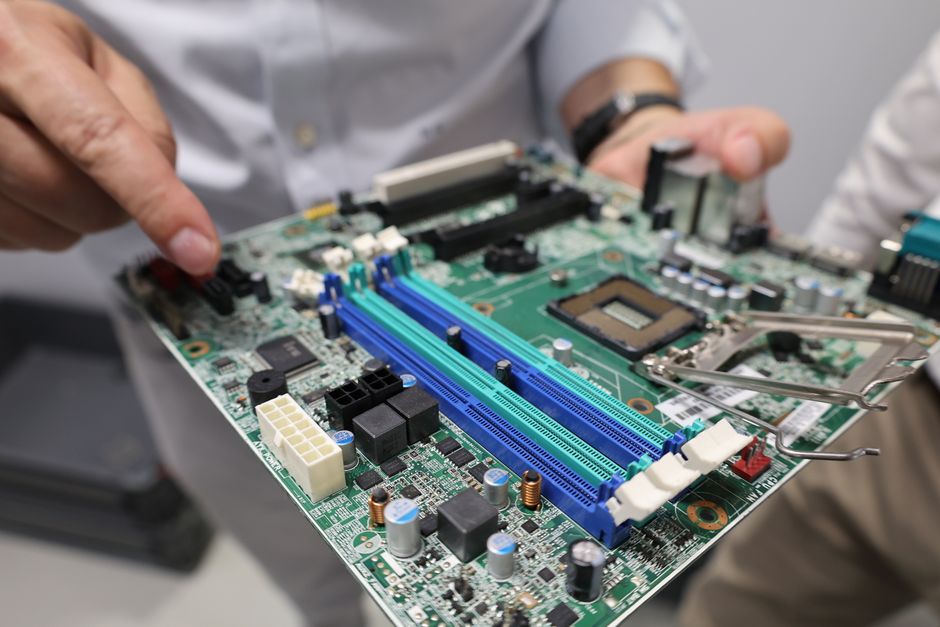
A motherboard is the electrical map of a PC: it decides which processor, memory, storage drives, graphics cards, and add-in devices can work together. This is not legal advice —…
The common mistake is treating low weight as the main goal. A 2.4-pound laptop with a dim screen, weak webcam, short battery life, and two useless ports is not a…
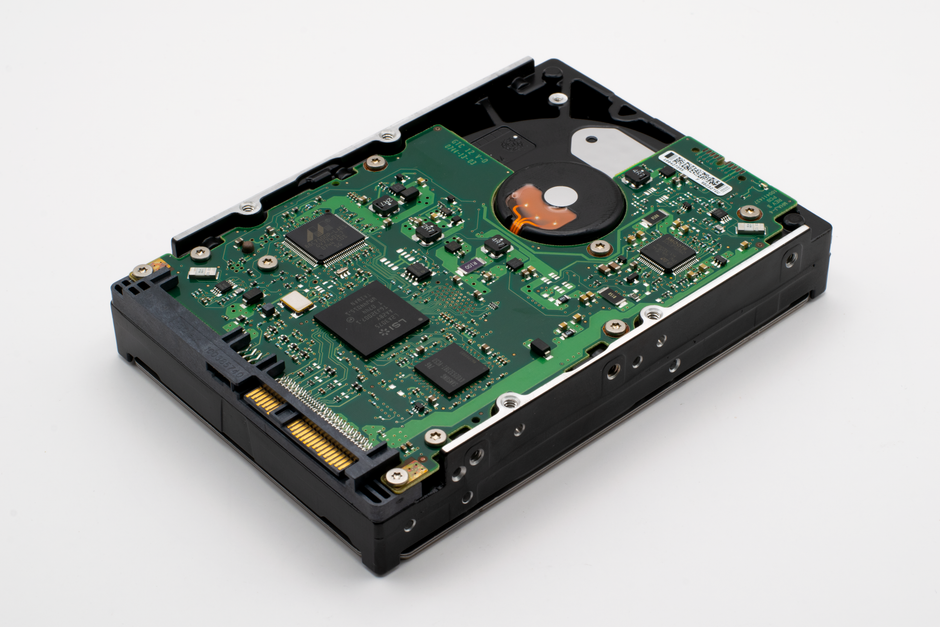
Motherboard storage options affect more than how many drives you can attach. SATA ports provide connections, RAID can organize multiple drives into an array, and hot-swap support can allow a…
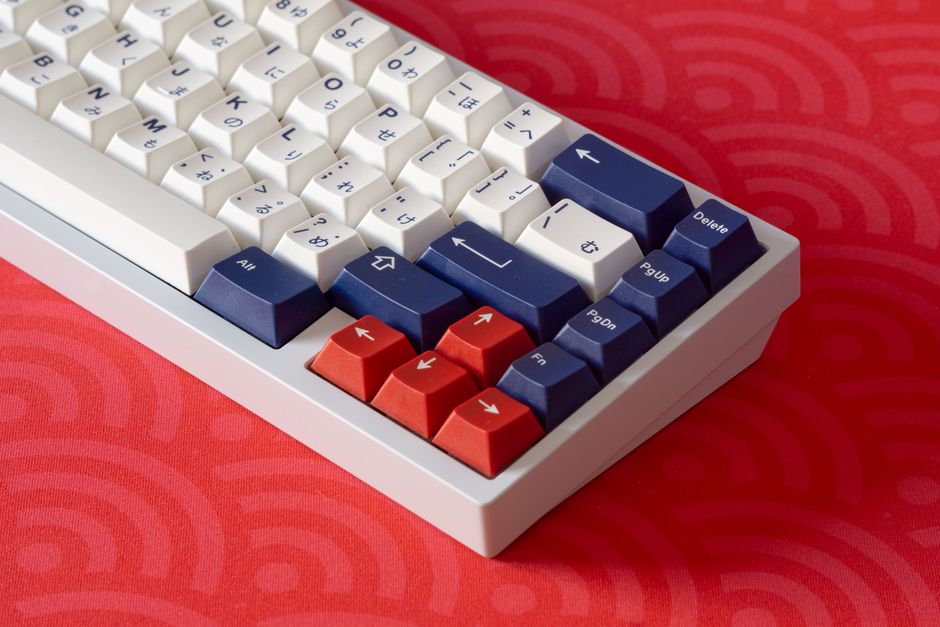
Choosing a keyboard and mouse for a desktop PC starts with the tasks you repeat every day. A comfortable pair can make typing, navigating documents and playing games feel more…
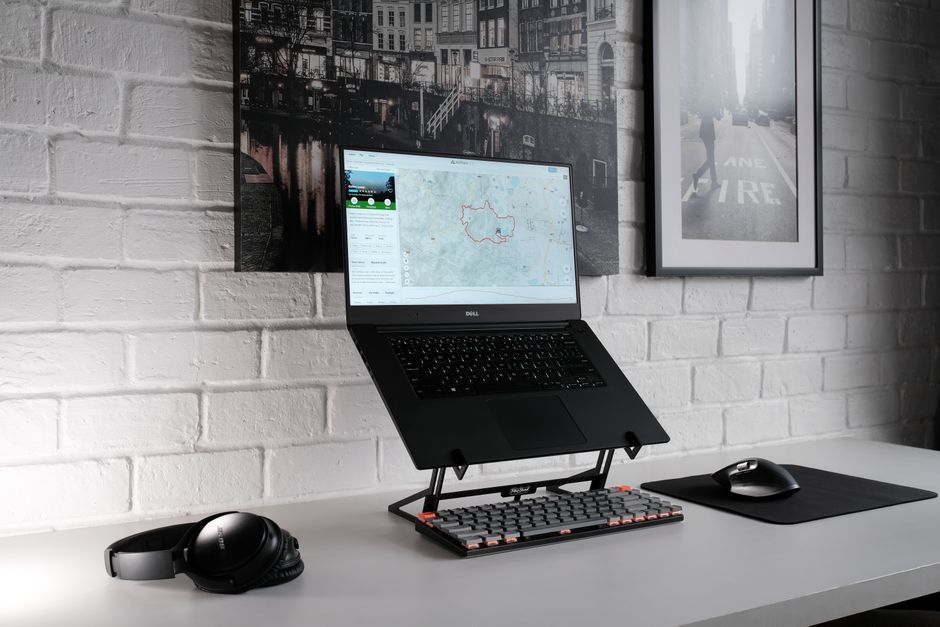
A laptop is convenient because its screen, keyboard, and pointing device travel together. During long work sessions, that design creates a compromise: placing the keyboard comfortably often leaves the screen…
Keeping dust out of your PC starts with its surroundings and the routes air takes into the case. Fans bring in room air to cool the components, and that air…
A motherboard manual is most useful while your parts are still on the desk. It translates the labels on the board into a plan: where components belong, which connections they…
A replacement laptop charger needs to do more than fit the socket. Its electrical output, connector, charging protocol and power capacity must suit your laptop. A mismatch can cause slow…