Lisa Buck
A motherboard is the electrical map of a PC: it decides which processor, memory, storage drives, graphics cards, and add-in devices can work together. This is not legal advice — consult a licensed attorney.
Which socket and chipset should you choose in 2026?
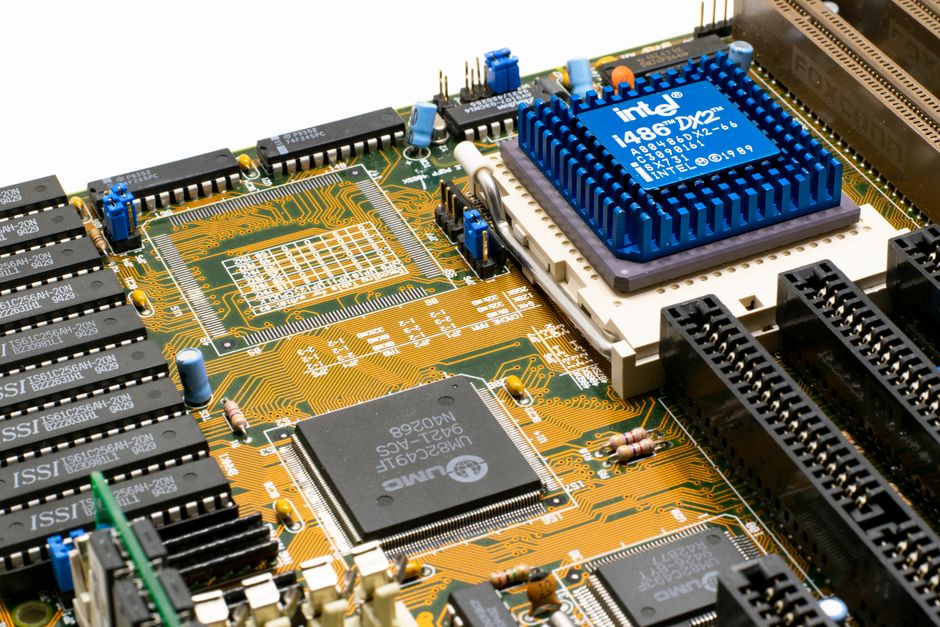
Choose the platform around the processor you intend to keep for several years. AMD Socket AM5 uses DDR5 memory and supports Ryzen 7000, 8000, and 9000 processors, although older 600-series boards may need a BIOS update for newer chips. AMD’s official AM5 chipset reference shows how lane counts and USB options vary between X870E, X870, B850, B650, and lower tiers.
A practical platform shortlist
| Platform example | Best fit | Useful specifications | Clear verdict |
|---|---|---|---|
| AMD X870E with ASUS ROG Strix X870E-E Gaming WiFi | High-end gaming, rendering, several NVMe drives | AM5, four DDR5 slots, five M.2 sockets, PCIe 5.0 x16 graphics slot, 5Gb Ethernet, Wi-Fi 7 | Best for a demanding workstation that will use many fast devices |
| AMD B650 with ASRock B650M Pro RS WiFi | Mainstream gaming and compact builds | Micro-ATX, AM5, four DDR5 slots, one PCIe 5.0 x4 M.2, one PCIe 4.0 x4 M.2, one PCIe 4.0 x2 M.2, four SATA ports | Best value when one graphics card and several SSDs are enough |
| Intel Z890 with MSI MAG Z890 Tomahawk WiFi | Intel Core Ultra desktop builds with strong connectivity | LGA1851, four DDR5 slots, up to 256GB memory, one PCIe 5.0 x16 slot, four M.2 sockets, 5Gb Ethernet, Wi-Fi 7 | Best for buyers who need Intel’s current desktop platform and broad I/O |
What the chipset label leaves out
A chipset tier does not tell you how well a particular board handles sustained CPU power. Two boards with the same chipset can have very different voltage-regulator cooling, firmware controls, audio hardware, networking, and slot placement. A board with four M.2 sockets may also place one directly under a large graphics card, making installation and cooling awkward. For most gaming PCs, a sound B650, B850, or comparable midrange board is the right choice. Pay extra for X870E or Z890 only when you need more lanes, more high-speed storage, multiple expansion cards, or advanced connectivity.
How to read PCIe and M.2 expansion slots
Expansion slots are where a motherboard becomes a useful system instead of a CPU platform with memory attached. The common mistake is to count physical connectors without checking their electrical size, generation, and shared bandwidth. A long PCIe slot may run at x16, x8, x4, or even x1 electrically. The printed length does not tell you the speed.
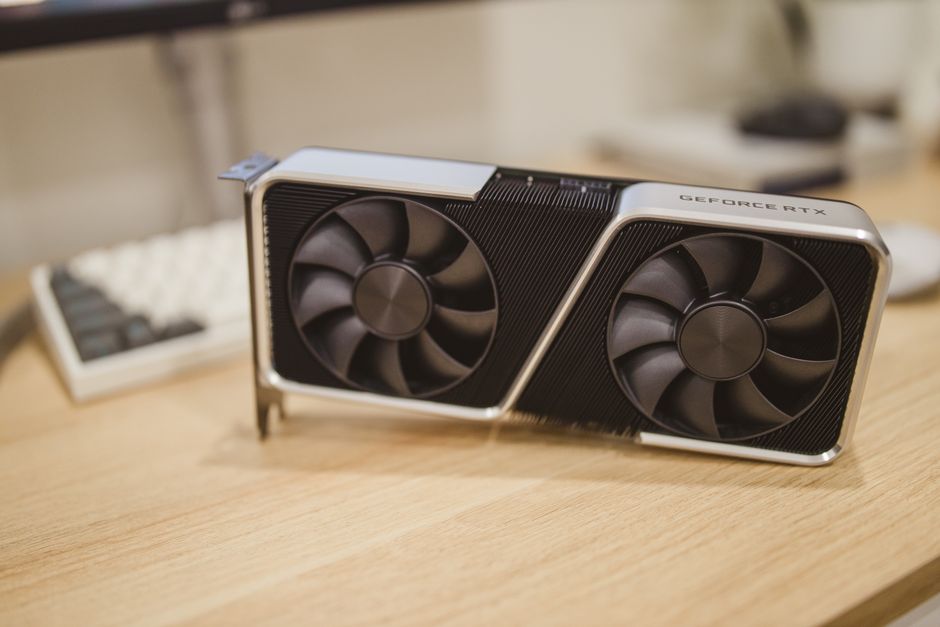
- Start with the graphics slot. Install a single graphics card in the CPU-connected PCIe x16 slot. It usually offers the lowest latency and the full lane width. A PCIe 5.0 graphics slot accepts older PCIe 4.0 and 3.0 cards, so generations are backward compatible.
- Separate physical width from electrical width. A second full-length slot may be only x4 electrically. That is suitable for a capture card, storage adapter, or networking card, but it is usually a poor choice for a second high-end graphics card.
- Check the M.2 key and length. Most desktop NVMe drives use an M-key socket and the 2280 size, which means 22mm wide and 80mm long. Some boards also accept 2242, 2260, or 22110 drives. A Wi-Fi module normally uses a smaller Key-E socket, not the storage socket.
- Match the drive to the slot. A PCIe 5.0 x4 SSD can run in a PCIe 4.0 slot, but it will operate at the slower interface speed. The reverse is also true: a PCIe 4.0 drive gains no real benefit from a more expensive Gen5 socket.
- Read the disable rules. Using one M.2 socket may disable two SATA ports, reduce the graphics slot from x16 to x8, or turn off a secondary PCIe slot. These restrictions are normal design choices, not defects.
Why x8 is usually not a disaster
When a board changes a graphics slot from x16 to x8 because another CPU-connected device is installed, the graphics card still works. The practical effect depends on the card, game, resolution, and workload. PCIe 5.0 x8 has the same raw bandwidth as PCIe 4.0 x16, while PCIe 4.0 x8 is often adequate for many current cards. The real concern is not the label x8; it is whether the slot falls to x4 or shares a narrow chipset link.
When SATA still makes sense
SATA SSDs remain useful for large game libraries, archives, and secondary storage because they are easy to cable and often cheaper per terabyte. NVMe drives are cleaner and faster for operating systems and active projects, but a motherboard with four M.2 sockets is not automatically better. Extra sockets can consume lanes, add heat, and complicate access under a graphics card. For a normal desktop, one fast boot drive plus one large secondary drive is usually the most sensible layout.
The mistakes that make a good board feel broken
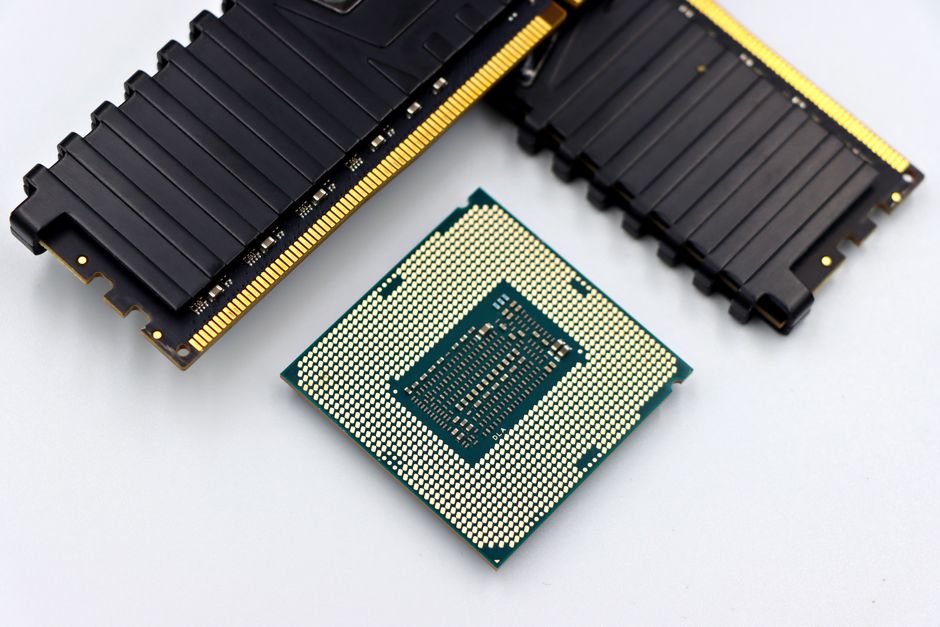
My strongest recommendation is to buy the board for the complete system, not for the chipset badge. Most motherboard problems come from overlooked compatibility details, not from choosing the wrong brand.
Failure mode one: the CPU boots only after a BIOS update
A board may physically accept a processor but ship with firmware too old to recognize it. This is common when a newer CPU launches after the motherboard family. Look for BIOS Flashback, a feature that can update firmware from a USB drive without an installed CPU. If the board lacks it, confirm that the seller has updated the BIOS or choose a board with a supported launch version. Do not assume a sticker or a recent purchase date proves compatibility.
Failure mode two: the memory kit is too ambitious
DDR5 speed ratings are often overclocked profiles, not guaranteed settings for every CPU and every four-stick arrangement. A kit rated at 7200 MT/s may run lower when all four slots are populated. Check the board’s memory support list, start with two matched modules, and update the BIOS before tuning. For a stable general-purpose build, two 16GB or two 32GB modules are usually easier to run than four smaller sticks.
Failure mode three: the case and cooler do not fit the board
ATX, micro-ATX, and Mini-ITX are not interchangeable footprints. A large air cooler can cover the first memory slot, while a thick graphics card can block a lower expansion slot or make an M.2 heatsink impossible to remove. Measure the case clearance, GPU thickness, cooler height, and radiator position before buying. The ASRock B650M Pro RS WiFi, for example, is a 24.4cm by 24.4cm micro-ATX board, so it suits compact cases but provides less physical room than a full ATX design.
Motherboard buying questions, answered
Is an expensive motherboard faster?
Usually, no. A high-end board can improve sustained CPU behavior through stronger power delivery and cooling, but it does not raise game frame rates on its own. Its real value lies in connectivity: more M.2 sockets, faster USB, stronger networking, more fan headers, diagnostic displays, and better room for future cards. For a single-GPU gaming PC, a reliable midrange board is the better buy unless the processor has unusually high power demands.
Should you choose AMD AM5 or Intel LGA1851?
Choose the socket that matches the processor you actually want. AM5 is attractive when future CPU replacement and broad Ryzen compatibility matter. LGA1851 makes sense for a build centered on a compatible Intel Core Ultra desktop processor and features such as Thunderbolt 4, Wi-Fi 7, or several high-speed USB connections. Neither socket is a universal winner; the board must match the CPU generation, memory type, firmware, and expansion plan.
When should you not buy a premium motherboard?
Do not buy an X870E or Z890 flagship board for a system with one graphics card, one NVMe drive, two memory modules, and ordinary USB accessories. The extra lanes and ports will sit unused. Spend that money on a larger SSD, a better power supply, more memory, or a stronger graphics card instead. The premium board becomes justified when the build needs multiple fast drives, several add-in cards, heavy all-core CPU workloads, or a long upgrade path with specific I/O requirements.
The best motherboard is the least expensive board that supports your CPU, memory, storage, expansion cards, case, and future upgrade plan without hidden lane or firmware compromises.