Lisa Buck
A workstation motherboard must support more than a demanding processor. During a long render, a large software build, or a session with several virtual machines, memory, storage, networking, and expansion cards may all be busy together. Choosing the right board means planning for that combined demand. You need enough resources for the complete workload, predictable operation through long jobs, and practical ways to investigate faults when a deadline is approaching.
Define what your workstation must do simultaneously
Start with a description of your busiest working session. Editing footage from shared storage while generating previews places different demands on a motherboard than running a CPU simulation with a large dataset. A GPU rendering machine may need physical space and expansion connectivity more urgently than additional onboard storage sockets.
Turn that description into a requirements list. Include your intended processor, working memory requirement, graphics cards, storage devices, network connection, and specialist cards. Add expansion you realistically expect, such as a capture card or another accelerator. This keeps your selection focused on productive capabilities rather than features that sound impressive but serve no purpose in your workflow.
Select a platform with enough resources
A mainstream desktop platform can make an effective workstation when your applications fit its memory capacity and expansion limits. A dedicated workstation platform becomes useful when you need more memory channels, greater supported capacity, or more CPU-connected PCIe lanes. These capabilities depend on the processor and platform together. A more elaborate motherboard cannot create resources the processor does not provide.
Check the supported processor list and firmware requirements for your exact CPU. Support can vary within a socket family. Confirm the required memory type as well: registered and unbuffered modules are not interchangeable simply because both carry the DDR5 label. Choose the platform before committing to memory or expansion hardware.
Consider concurrent traffic
Connector counts do not reveal how everything communicates. Several storage drives, a network controller, and other devices may share the chipset’s connection to the processor. This can work well, but simultaneous transfers can compete for that connection. Identify which devices need sustained throughput during your actual work and check where the board connects them.
Draw a proposed slot map before ordering. Place each graphics card, storage adapter, network card, and accelerator, then check the manual’s configuration notes with everything populated. A board that supports each device individually may impose compromises when you install them together. Evaluate the complete configuration instead of assuming that every advertised capability remains available simultaneously.
Plan memory capacity and integrity together
For heavy workloads, enough usable memory is often more valuable than an ambitious advertised memory speed. Estimate capacity from actual project sizes and concurrent applications. Leave room for growth, but establish how that upgrade would work. Adding modules can change the supported operating speed, while reaching a higher capacity may require replacing your original memory.
Memory channels matter when applications repeatedly move large amounts of data. More DIMM sockets do not necessarily mean more channels. Follow the platform’s recommended population arrangement to use its channels correctly. Check supported speeds for the intended module count and capacity rather than treating the fastest advertised setting as a promise for every configuration.
Verify that ECC will actually operate
Error-correcting code memory can correct certain memory errors and help expose others. Consider it when corrupted calculations or interrupted jobs would be costly. It does not replace backups, application checks, or stable operating settings, but it can be a useful part of a workstation’s reliability strategy.
ECC operation requires a compatible processor, motherboard, platform, firmware, and memory combination. Look for explicit support for your configuration and a documented way to report errors. DDR5’s internal on-die error correction is not equivalent to system-level ECC protection across the memory interface. Support for installing an ECC module does not, by itself, establish that error correction will be active.
Look for predictable sustained operation
A board paired with a powerful processor needs suitable power delivery and cooling for sustained work. Phase counts and decorative heatsinks alone do not establish suitability. Look for clear processor support, documented power requirements, and credible information about operation under a comparable prolonged workload. Treat advertised overclocking features as separate from your basic requirement for stable production use.
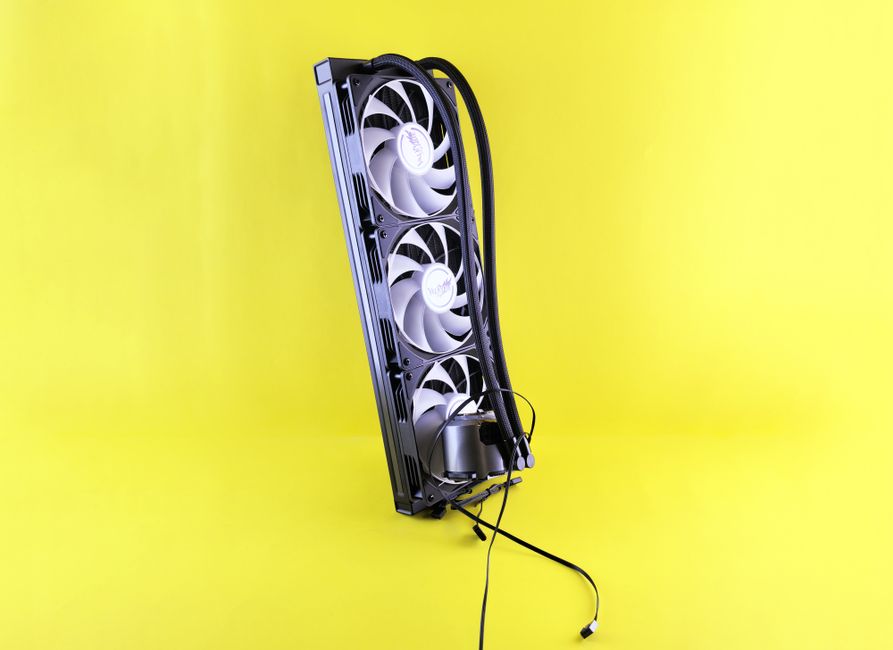
The installed environment matters too. Large graphics cards can restrict airflow around the board, and some liquid CPU coolers provide little airflow near the socket. Make sure your case arrangement can move air across the power circuitry and storage heatsinks. A capable motherboard still needs appropriate airflow when multiple components release heat for extended periods.
Begin with documented stock operating settings. Automatic performance enhancement options can increase power demand and cooling requirements. For a production machine, predictable behavior and repeatable results are usually more useful than an aggressive setting that occasionally interrupts a long job. Save a record of working firmware settings once the configuration is stable.
Check layout with every card installed
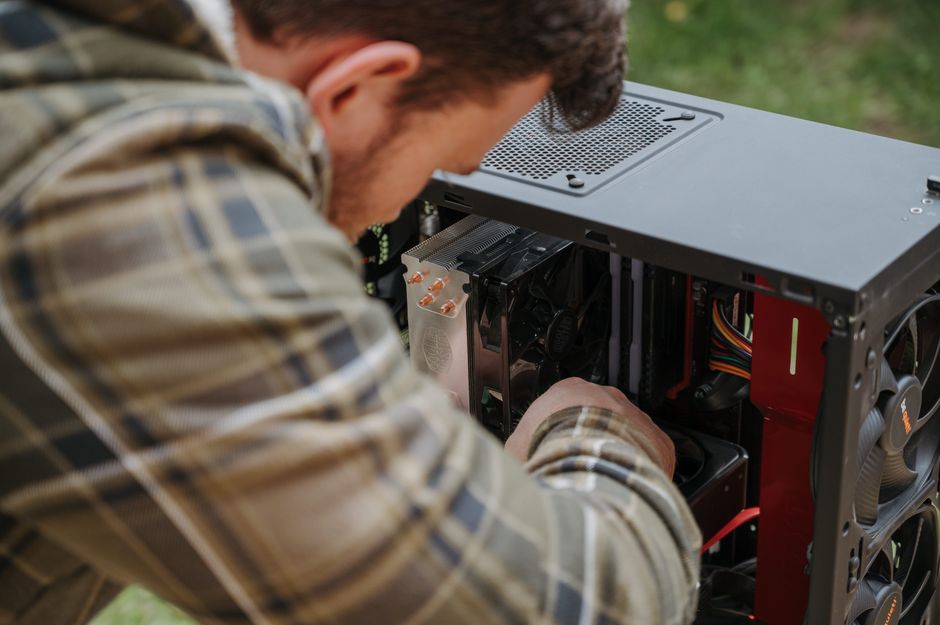
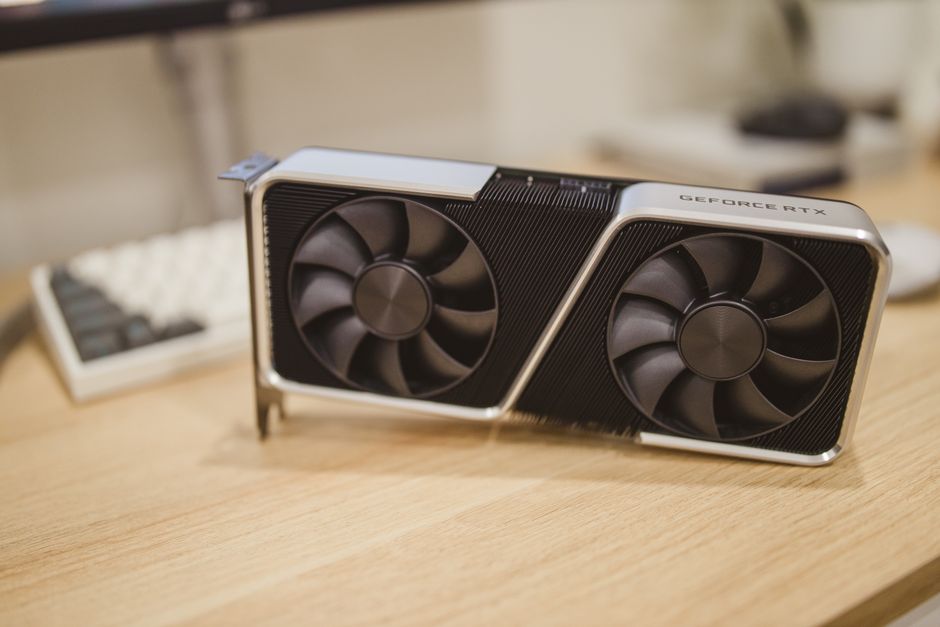
Expansion capacity has a physical side as well as an electrical one. A thick graphics card can cover the slot needed by a capture card even when the specification lists enough connectors. Compare card thickness, cable clearance, and connector access against the motherboard layout and case dimensions. Check whether storage devices remain accessible after installation.
For multiple accelerators, establish application support first. Extra cards do not automatically speed up your software or combine their memory into one pool. Once the software requirement is clear, verify slot spacing and each occupied slot’s supported connection. Include any auxiliary motherboard power connectors required for the intended expansion configuration.
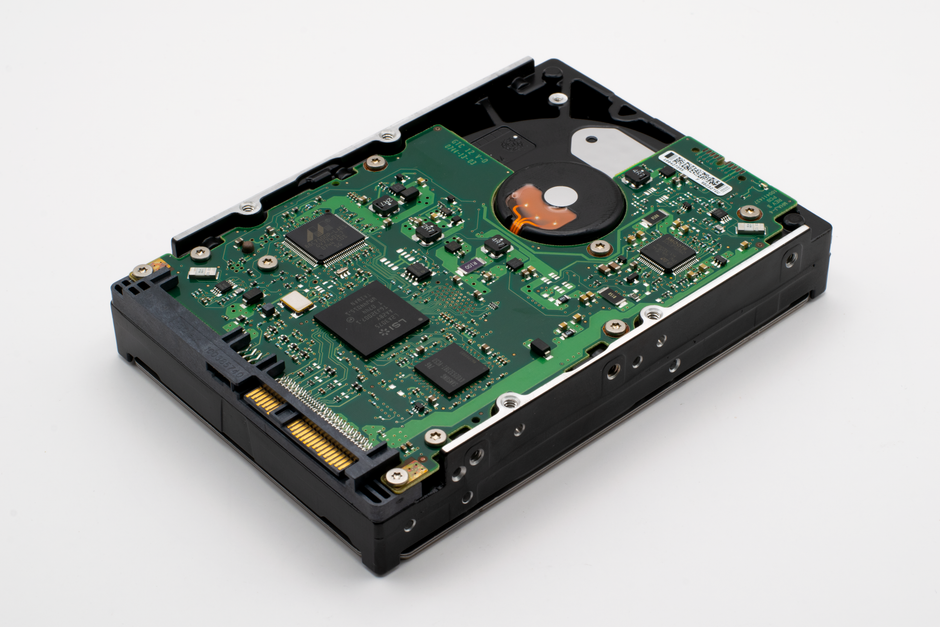
Organize storage around the workload: system software, active projects, and temporary files may have different access patterns. Separate drives can help some workflows, but shared upstream connections still apply. Also consider service access. Replacing a project drive becomes more disruptive if reaching it requires removing several cards and disconnecting their cables.
Prioritize diagnostics and recovery
When a workstation stops producing work, useful fault information matters. Clear startup indicators, accessible controls, and a documented firmware recovery method can shorten troubleshooting. Check what each feature supports; a recovery button is not a universal solution to hardware or firmware problems. Choose features that you can realistically use in the machine’s installed location.
Remote management can be valuable for an unattended workstation or a machine in another room. Some boards include management hardware that provides remote console access or power controls independently of the operating system. Verify the exact capabilities, network requirements, and security settings. A desk-side workstation may be adequately served by simpler local diagnostics.
Review operating system support and driver availability for onboard controllers. If you plan to assign devices directly to virtual machines, confirm the platform and firmware capabilities required by your virtualization software. Do not assume that an available expansion slot guarantees that its installed device can be isolated and assigned as intended.
Review the complete build before buying
Use the same proposed configuration to compare every shortlisted board. Your final check should answer these questions:
- Does it support the exact CPU and intended memory arrangement?
- Can all required cards and drives operate together without an unacceptable sharing compromise?
- Will installed hardware leave enough cooling space and access for maintenance?
- Are diagnostics, recovery options, and controller drivers suitable for your environment?
- Can the expected upgrade happen without replacing most of the existing configuration?
Choose the motherboard that satisfies those requirements with the fewest unresolved assumptions. Its practical value comes from supporting your complete workload through long sessions, keeping faults understandable, and leaving a workable path for maintenance and expansion. That is a stronger foundation for productive work than a specification sheet filled with capabilities you cannot use together.

 Lisa Buck