Lisa Buck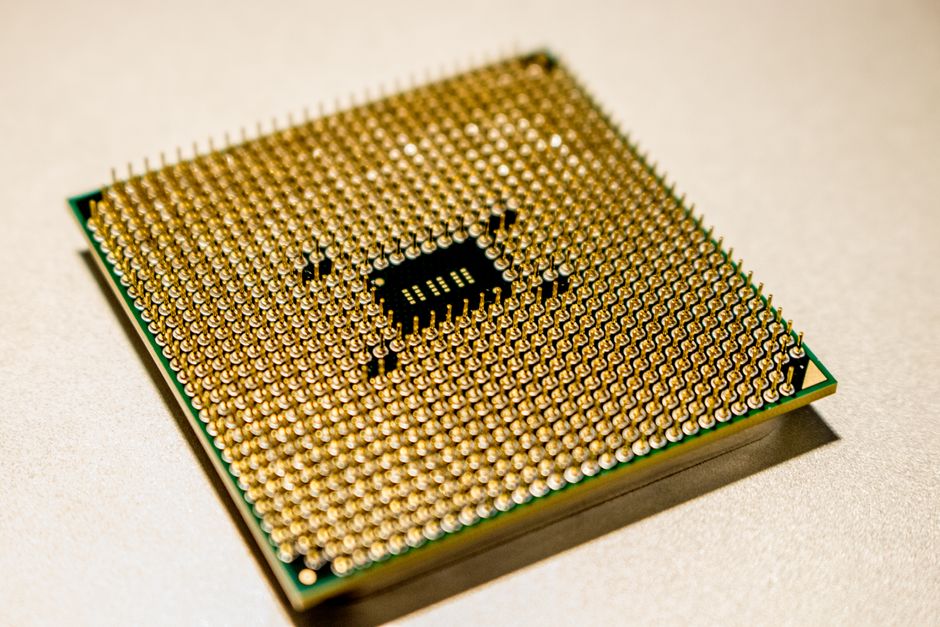
Choosing between AMD and Intel platform motherboards means choosing the foundation for your whole PC. The right answer depends on the processor that suits your work, the components you can reuse, and the connections you need. Neither brand automatically provides the best motherboard for every build. Compare two complete, compatible combinations instead of deciding from a logo or a chipset name.
Start with your processor shortlist
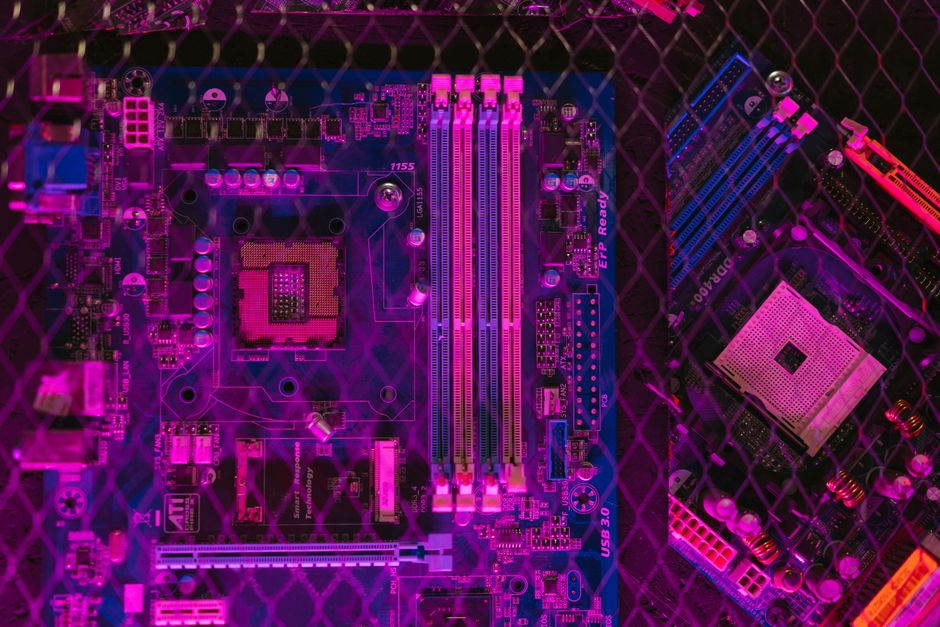
An AMD desktop processor needs a compatible AMD platform motherboard, and an Intel desktop processor needs a compatible Intel platform motherboard. You cannot install a CPU from one platform into the other. Within either brand, matching the socket is only the first check: the exact processor must appear on the motherboard manufacturer’s CPU support list.
If you already own a CPU, that largely settles the platform choice. Choose among boards that explicitly support it. If you are buying everything, identify suitable processors from both brands first, using independent reviews that cover your applications. Then find a motherboard for each. Starting with an attractive board can unnecessarily restrict your CPU options.
Define what the computer must do
List your most demanding regular tasks. Games, software compilation, video exports, and everyday office work place different demands on a processor. Use those tasks to assess CPU choices rather than assuming a platform is universally better for gaming or productivity.
The motherboard should let your chosen CPU operate reliably and connect the rest of your system. A premium board does not automatically make that processor faster at ordinary settings. Once a board meets your requirements, extra features should justify themselves through something you actually plan to do.
Compare complete platform costs
Motherboard cost alone can be misleading. A board that seems more affordable may require new memory, a cooler mounting kit, or an expansion card. Build a parts list for each platform before deciding which offers better value for your situation.
- Processor and motherboard: Compare them as a compatible pair.
- Memory: Verify the generation required by the exact board and whether existing modules can be reused.
- Cooling: Check socket mounting compatibility and the cooling requirements of the CPU.
- Connectivity: Account for adapters or expansion cards needed to connect your devices.
Match the two boards by useful capabilities. Comparing an entry-level board on one platform with a heavily equipped board on the other tells you little about platform value. Keep features such as networking, storage capacity, and case compatibility consistent with your actual needs.
Assess upgrade potential without relying on promises
A later CPU upgrade can make retaining a motherboard attractive. However, the upgrade path belongs to a particular socket, chipset, board, and firmware combination. Broad claims that one brand always provides longer compatibility are not a reliable buying method.
Check which processors the board supports now and read any official platform support commitments carefully. A socket commitment does not guarantee that every motherboard will support every future processor. Board manufacturers must provide suitable firmware, and the exact replacement CPU still needs explicit support.
Consider your own upgrade habits. If you normally replace the entire computer after a long interval, a possible intermediate CPU upgrade may have limited value. If you regularly replace individual components, documented support for a stronger processor can carry more weight. Treat unconfirmed future compatibility as a possibility rather than a required part of the purchase.
Check application-specific platform features
Integrated graphics and media acceleration
Integrated graphics can provide a display without a discrete graphics card, assist with troubleshooting, or accelerate supported media work. Their availability and capabilities depend on the exact CPU. Display connectors on the motherboard do not guarantee working video output if the processor lacks the necessary graphics hardware.
For editing, streaming, or media conversion, check what your software can accelerate and which codecs the candidate hardware supports. Your application may use integrated graphics, a discrete GPU, or a combination. Choose from documented support for your workflow rather than assuming either CPU brand is always better for media tasks.
Operating systems and specialist hardware
Verify drivers for your intended operating system, particularly for networking and specialist devices. If you depend on virtualization, confirm that the processor, motherboard firmware, and software support the capabilities you require. A feature available in a CPU may still need an appropriate firmware setting.
For an unusual audio interface, capture card, or professional application, consult its compatibility documentation. Recommendations for a specific controller or system configuration can matter more than the AMD or Intel label. Resolve these requirements before choosing a platform around an assumption.
Compare connections you can use together
Give both candidate motherboards the same device list: graphics card, storage drives, expansion cards, rear peripherals, and case connections. Check whether each board supports that complete arrangement. Counting connectors without considering their restrictions can hide an important compromise.
A chipset name describes part of the platform, not every feature implemented on a board. Manufacturers choose how to use available resources, and some connections depend on the installed CPU. Read the exact motherboard specifications and manual, including hardware revision information where relevant.
Look for resource-sharing notes. Installing a drive or expansion card can change another slot’s operation on some boards. Also check what a connector actually supports: USB-C describes the connector shape without guaranteeing a particular transfer capability or display output. Prefer confirmed compatibility with your devices over a longer headline feature list.
Consider power support and firmware
Either platform needs a motherboard suited to the chosen CPU under your normal workload. For sustained demanding tasks, look for credible motherboard reviews that assess power delivery and temperatures using an appropriate processor. Large decorative heatsinks and marketing labels do not establish how well a board handles that work.
If you want manual tuning, verify support for the exact CPU and chipset combination. CPU overclocking and memory tuning have separate requirements and limitations. Avoid paying for tuning features you will never use, or choosing a board on the assumption that every adjustment is available.
Check the manufacturer’s support page for CPU compatibility, BIOS releases, and installation requirements. A supported processor may require firmware newer than the board ships with. Establish how the update can be completed before buying the pair, especially when you do not have another compatible CPU.
Choose between two verified builds
Reduce your shortlist to one AMD combination and one Intel combination. Confirm processor support, memory requirements, cooler mounting, essential connections, and complete build cost for each. Resolve uncertain features through manufacturer documentation before treating them as advantages.
Rank the remaining differences by their practical impact. Performance in your main application, compatibility with equipment you own, and a documented upgrade you expect to make deserve more weight than unused extras. Choose the combination that meets those priorities with the fewest compromises. Either platform can provide a dependable foundation when the processor and motherboard are selected together.

 Lisa Buck