Lisa Buck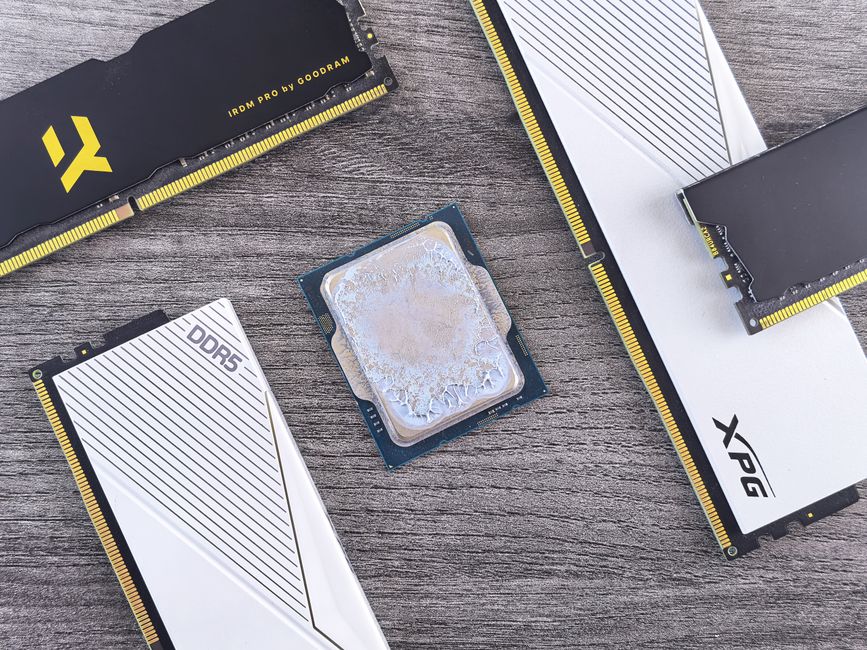
Thermal paste and thermal pads help heat move from a component into its cooler, but they solve different fitting problems. Choosing between them starts with the space between the surfaces. Paste fills microscopic imperfections in a close-fitting joint. Ordinary soft thermal pads bridge a deliberate gap. Understanding that difference helps you avoid replacements that look tidy but leave important components with poor contact.
What the interface actually does
A processor lid and cooler base may look smooth, yet both contain tiny surface irregularities. Pressing them together leaves pockets of air that impede heat transfer. Thermal interface material fills those spaces. It does not generate cooling, replace a heatsink, or compensate for loose mounting hardware.
The mechanical design determines the right material. A desktop CPU cooler usually clamps against one broad surface. A graphics card heatsink may also reach memory chips and power components at different heights. Those interfaces can require different materials within the same cooling assembly.
Where thermal paste belongs
Conventional thermal paste is a spreadable compound intended to form a thin layer under mounting pressure. Its familiar desktop location is between the CPU heat spreader and cooler base. Many GPU cores and laptop processors also use paste, although some devices use specialized interfaces. Consult manufacturer service guidance before changing the original material.
Paste belongs where the surfaces are designed to meet closely. It fills surface texture rather than supporting a heatsink across an open space. A thick mound of ordinary paste cannot reliably replace a gap pad because it lacks the stable gap-filling structure that the assembly needs.
Check whether a new cooler already carries preapplied compound. Use that interface as directed, or remove it before applying a suitable replacement. Adding paste on top introduces unnecessary material. This choice of interface is separate from the detailed technique for applying paste to a CPU.
Where soft thermal pads belong
Soft pads are compressible sheets used between components and cooling plates that do not meet directly. Common locations include graphics memory, voltage-regulation components, and storage heatsinks. Pads accommodate a defined gap and conform to small differences in surface height.
Graphics cards and shared heatsinks
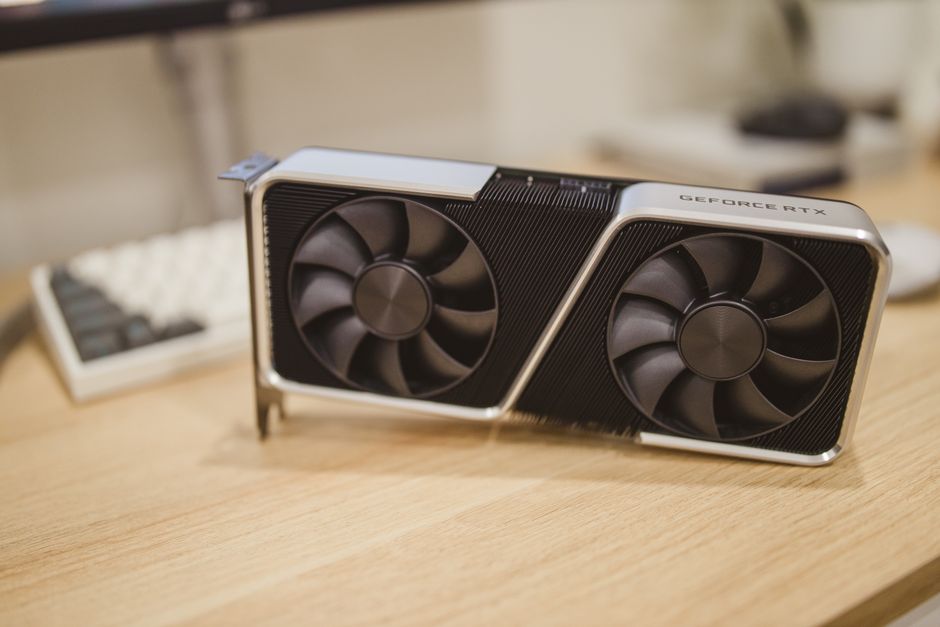
A graphics card can use paste on its GPU core and pads on surrounding memory or power components. Replacing all those interfaces with paste can leave surrounding parts without useful contact. Putting an ordinary thick gap pad on the core can prevent the heatsink from seating correctly.
Pad layouts vary between board designs, including versions with similar names. Record each location before disturbing anything, and seek replacement specifications for the exact board revision. Photographs preserve the layout, but they cannot tell you the required thickness or softness.
M.2 heatsinks and enclosures
M.2 SSD heatsinks and external enclosures often use pads to connect drive components to a metal cover. Follow the enclosure or heatsink instructions about supported drive layouts, pad placement, and whether the SSD label should remain. Do not assume every supplied pad must be installed simultaneously.
An overly thick pad can make a cover difficult to close or bend a drive during fastening. A pad that is too thin may never reach the cooling surface. Stop if assembly requires unexpected force; tightening harder is not a substitute for checking fit.
Thickness and softness work together
Pad thickness is a mechanical specification, not an upgrade tier. Heat must travel through the material, so unnecessary thickness can add thermal resistance. Excess thickness can also change the contact pressure elsewhere on a shared heatsink, potentially improving one interface while compromising another.
Softness matters too. Pads of the same nominal thickness can compress differently under the available mounting force. An overly firm replacement may hold a heatsink away from the GPU core. A thin replacement may leave memory chips untouched. Match the material to the intended gap and mounting pressure.
- Use documented dimensions and material requirements whenever available.
- Keep track of different pad specifications within one device.
- Treat measurements of old, compressed pads as clues rather than definitive specifications.
- Avoid stacking pads unless the material supplier and assembly guidance support it.
Thermal conductivity ratings alone cannot identify the best replacement. Installed performance also depends on thickness, compression, contact quality, and mounting pressure. An impressive advertised rating cannot fix a physical mismatch.
Not every sheet is a gap pad
The term thermal pad covers several product types. Thin graphite or carbon sheets and phase-change films can be intended for close-fitting processor interfaces. They are not interchangeable with ordinary soft gap pads. Some sheet materials conduct electricity, and reuse or handling restrictions vary.
Phase-change materials soften under specified operating conditions to improve conformity. Thermal putty is another distinct category, sometimes used around components of varying heights. Identify the original interface before choosing a replacement; similar appearance does not establish compatibility.
Also distinguish thermal pads from thermal adhesive tape. Ordinary interface pads should not be assumed to hold a heatsink in place mechanically. Adhesive products have separate attachment and removal requirements. Conventional paste is not glue, while liquid metal requires separate electrical and material-compatibility precautions.
A practical replacement checklist
- Identify the materials. Find service instructions and establish which locations need paste, pads, putty, or another specified interface before buying supplies.
- Prepare the device. Shut down, disconnect external power, and follow battery-disconnection instructions where applicable. Use appropriate static precautions.
- Document the arrangement. Photograph pad positions and note screw locations. Avoid dragging pads over fragile components when separating the cooler.
- Clean the surfaces. Remove residue with an appropriate electronics-cleaning method. Allow surfaces to dry and keep debris away from connectors.
- Install the specified interfaces. Cut pads to the required footprint, remove protective liners as directed, and keep them flat. Do not add paste over pads unless specifically required.
- Reassemble evenly. Follow the prescribed screw order and tightening instructions. Confirm proper seating and reconnect fan cables.
Check the installation before increasing load
After servicing, start with a brief, modest workload and observe temperatures and behavior before increasing load. Use available sensors, remembering that not every memory or power component reports a temperature. A reasonable core reading alone does not verify every pad contact.
If temperatures rise unusually quickly, unexpected throttling appears, or the device becomes unstable, stop the workload and inspect the assembly. Check for protective film, displaced pads, incorrect thickness, and uneven seating. Replace damaged interfaces before reassembly. Reliable cooling starts with the material that matches the joint: a thin interface for closely mating surfaces and a correctly specified gap filler where the cooler needs reach.

 Lisa Buck